Our mission is to provide professionally trained Civil Engineers for all type of civil engineering services. Increase the supply of efficient & highly skilled Civil Engineers and serve the Civil Engineering Community.
Read More
This is an advance course covering detailed procedure of project planning using MS Project as a tool. A hands-on civil engineering project program is developed and step by step process is explained for the student to learn how to plan, analyse, and manage projects. Students will witness state-of-the-art methodologies to develop the project program. The first module provides a detailed process of moving a project forward and backwards. It’s very common that project start date moves and it’s very important to know how to move the project. The course also provides details of setting the baseline of the program. This will help to monitor the project program as the project progresses. The second module provides a complete process of setting the Work Breakdown Structure (WBS). The WBS is like an index page of a book and its very useful to develop WBS for a project especially if the project programme is lengthy and complex. The third module provides a detailed process of assigning project resources to each activity along with hours for each resource. The module then explains the process to determine the overall project cost as well as the breakup of cost for each task and sub-tasks. This process helps Project managers to optimise overall project costs for any bidding or tender activity. The fourth module covers the complete process of updating tasks. There are three ways to update the tasks of a project and all three ways are explained with its unique advantages. The module also covers the process of updating a project before comparing it with the baseline. The fifth module covers the detailed process of analysing critical path activities and associated features. This will help the project manager to take extra care of critical activities so that project doesn’t slip and become a loss-making project. The sixth module provides a detailed process of checking task slippage from the baseline and how it impacts the project programme duration. The seventh module provides details of Calendar and Network Diagram view. These views are very easy to understand and provide clear visibility to team members about their activities, even they are not efficient to understand giant chart view of a project program. The eighth module provides a detailed process of setting a Timeline view of a project. It provides a summary chart of the project so its very hands to share with the project team and client for progress meeting and monitoring. The ninth module provides details of printing various project report such project report, project cost, project assignments, project workload and also customised way to develop project reports.
Read more
Drainage engineering is the Key Discipline to provide an efficient drainage system for any Infrastructure Project. In Road Projects, Drainage Systems are known as Sub-surface Systems and are designed to remove surface water from the road which would otherwise lead to flooding if not managed satisfactorily. The course modules provide detailed drainage system design process, Outfall Design, Network Modelling, Attenuation System Design and a brief overview of Sustainable Drainage Systems. Please see the Promotional Course Videos for a quick flavour. The first module covers the key components of Drainage Engineering, Drainage Strategy, Drainage Design, Outfall Design, Attenuation System Design. The second module covers drainage design process from the collection of surface water to discharge to the outfall locations such as existing watercourses. The module also covers the flood risk assessment process and Drainage Network Design, Gully Spacing, Kerb drains, and drainage modelling. The third module covers outfall design and Surface Water Storage System. The module covers Outfall types, Attenuation Ponds, Oversize Career Pipes and Flow control devices. The fourth module covers drainage standard details such as drainage kerbs, manholes, bus stop drainage kerbs, gullies, slot drains and Hydro-brakes.
Read more
P-way Design involves the design, construction, operation and maintenance of Light Rail Transit (LRT), Heavy Rail Transit (MRT) and Highspeed Rail (Bullet Trains) to ensure safe and effective transportation of people and goods. The course modules share P-way or LRT Design in a detailed manner. The course has covered key industry of P-Way Design, Elements of P-Way such as LRV Bumpers, vehicle dynamic envelops, etc. The course module the design process track, horizontal design, vertical design, superelevation, the speed at curves, and track components, etc. The course also covers different type of Track Forms such as Ballasted Track Forms, Embedded Tracks. Along with this, the course covers key features of Tram Stop, type of stops, surface finish, etc. In the First Module, we have commenced the course with the key industry of P-Way Design. The module then explained the features of Tram like LRV vehicles, pantographs, crash energy management (CEM), LRV Bumpers, vehicle dynamic envelopes, platform clearance, etc. In the Second Module, we have described Track horizontal design and covers link and curve section design, superelevation or cant deficiency and superelevation unbalance. The course module has also described how to define the speed of LRT Track at curves and the categories of speed at curves such as overturning speed, safe speed, maximum authorised speed and signal speed. In the third module, we have described Track vertical alignment design and covers vertical gradient, crest curves, sag curves design along with design guidelines and design formulas. Thereafter, the module has described trackwork component such as Turnouts, Crossovers, Switches, Cross-Rails, Frogs, check-rails, and Pocket Tracks. In the fourth module, we have described LRT Track forms, stiffness of track, and track modulus. Thereafter, the modules have described various Track forms such as Ballasted Track, Direct Fix Track, Embedded Track, Floating Track and Tracks in the transition zone. The module has also covered various forms of Track Sleepers such as Timber Sleeper and Pre-cast concrete sleepers. The module described the formula to determine the spacing and factors of the sleepers that affect sleeper spacings. In the Fifth Module, we have described LRT Tram STOP design and its types like Island Platform and Side Platform. The Module then covers components of Tram Stop such as shelter, walkways, ramps, steps, signages, lighting, Passenger Information, etc. It has also covered the Platform surface finish and Tactile. In the Sixth Module, we have described the Tram signal system, signal equipment, traction power system, distribution system, substation system and catenary system. Within the Tram Signal System, we have covered the switch machine, impedance bonds, loops and transponders, wheel detectors, axle counters, etc.
Read more
If you are a MS Word novice and want to learn MS Word, this is the ideal course for you to start. The course gives you opportunity to learn MS Word from basics to advance levels. In the first module, you will learn about the following topics -creating word document, start-up window, quick access toolbar, MS Word Interface, Ribbons and Open/Save word file. In the second module, you will learn basics of entering texts, how to enter text. edit text, navigation text and word shortcuts. In third module, you will learn how to perform formatting in MS Word, bullet/ numbers, formatting texts, mini toolbar, MS word styles and custom word styles. In fourth module, you will learn page layout techniques. You will learn MS word margins, page breaks, orientation, header and footers, page background. In fifth module, you will learn spell checker, auto correct, find & replace and Printing process.
Read more
Highway Design with Autodesk Civil 3D software is in demand globally and a good understanding of the Civil 3D software plus knowledge of design standards can surely help engineers to fast track their career as highway design engineers. Our Civil 3D course modules are designed to cover all key aspects of design right from getting started with opening window, familiarity with tools, dropdowns, etc to importing ground survey data, horizontal alignment design, vertical alignment design, assembly creation, corridor modelling, and generating final 3D model outputs. The first module starts with getting started with the Civil 3D start-up window, quick access toolbar, dropdown option settings, etc. The module then opens the Civil 3D metric template and explains all the ribbons such as ground data, design data, profiles, etc. Civil 3D is template-based software, therefore templates are created and saved in tool space pallets and course all the menu options of the pallet. The module also covers drawing setting, unit transformation, object layers, etc. The second module covers importing ground survey data into Civil3D. the module covers three types of data importing methods (topo survey, land XML, and lidar coordinates (x,y,z)). When importing a CAD file, first all layers are isolated and then imported to Civil3D. The module explains the land XML and lidar data transfer process in a detailed manner. After transferring data, the module demonstrates how to create the ground surface model. The third module demonstrates how to analyze the surface, refine the surface and remove the errors like null levels, zero levels, etc. Then it covers how to trim falls surface area that sits outside the project road boundary. The module demonstrates how to create different surface types using tool pallets e.g contours, ground surface, etc, and finally how to check the ground level, profile and sections dynamically. The fourth module commences with horizontal alignment design in Civil 3D and covers 4 types of horizontal alignment design i.e centreline alignment, offset alignment, curve return alignment and miscellaneous alignment. Create alignment from the layout or predefine polyline or import the alignment from other software or file. The module also covers the quick alignment design method and setting the line style, curve style, transition style, point style, etc. The fifth module covers alignment design with Element Method. The module demonstrates fixed tangent, floating curve with transition length, fixed curved with transition length, fillet curve and reverse curve design for various design speed criteria. The module demonstrates some tips to minimize abortive work (when the amendment is needed) when designing it with the element method. The sixth module explains the vertical design process of the proposed centreline. For that, first, we import the ground model land XML and then start the profile creation process. The module describes how to fix the setting of the profile creating window. The vertical profile can be created by the quick method and element method. Both methods are described methodically for easy understanding. The module also explains how to set the profile band to show chainage, ground levels, proposed road levels, superelevation, etc. The seventh module describes how to create an annotation for the profile drawing production and how to make them in a presentable format. It shows how to show curves and gradients details within the profile section and how to create bands at the lower section showing chainage, proposed levels, ground levels, superelevation, horizontal alignment details, vertical alignment details, etc. The module also covers how to change grid style, font style, line type, datum levels, etc The Eighth module describes the process of creating cross-sections on the 3D model. Here module starts with assembly creation and it demonstrates two types of assemblies, dual carriageway assembly (without central median) and dual carriageway assembly (with central median). It demonstrates how to create assemblies from tool pallets. The ninth module describes the process to review and analyzing the corridor. It explains how to visualize the corridor against cross-section assemblies, how to fix the errors in the corridor, and how to make it in a presentable format. The tenth module described how to create retaining walls profiles in place of the embankment and describes how to generate cross-sections from the design model.
Read more
Skill Improvement Leads to Employability:- GCE Evaluates & Provides a Detailed Performance Result.
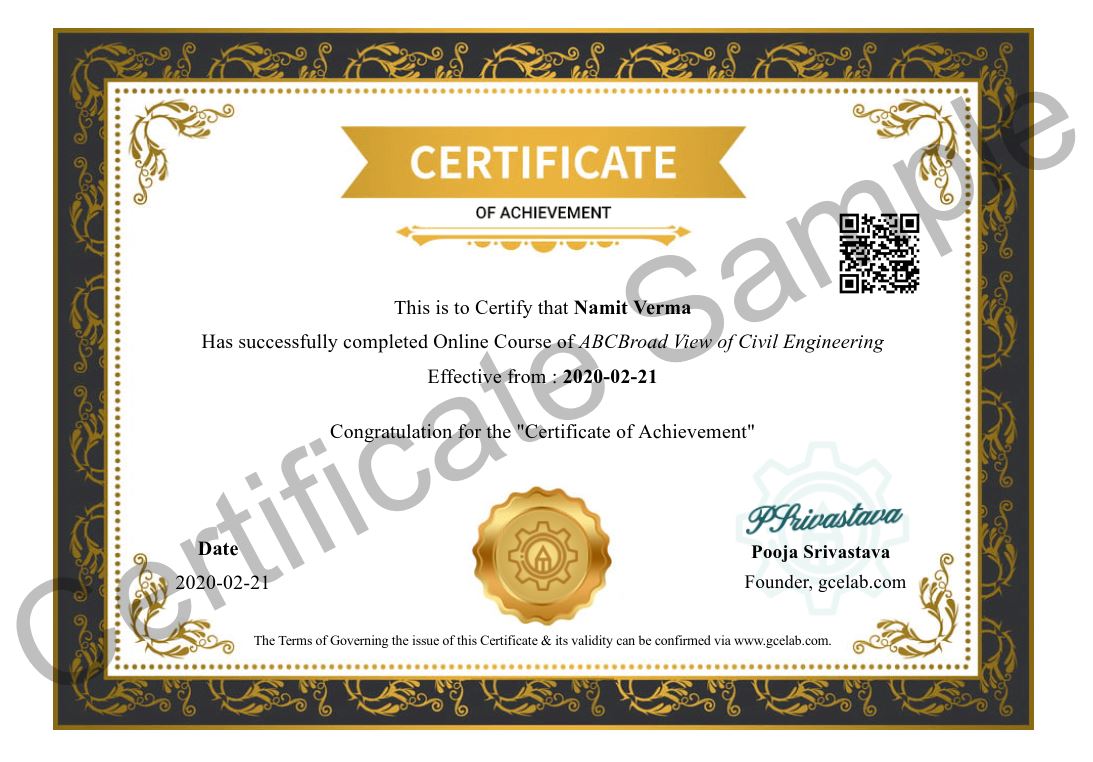
At GCE, we provide course completion certificates of all courses. Our certificate comes with unique QR Code to validate it online & download it whenever needed.
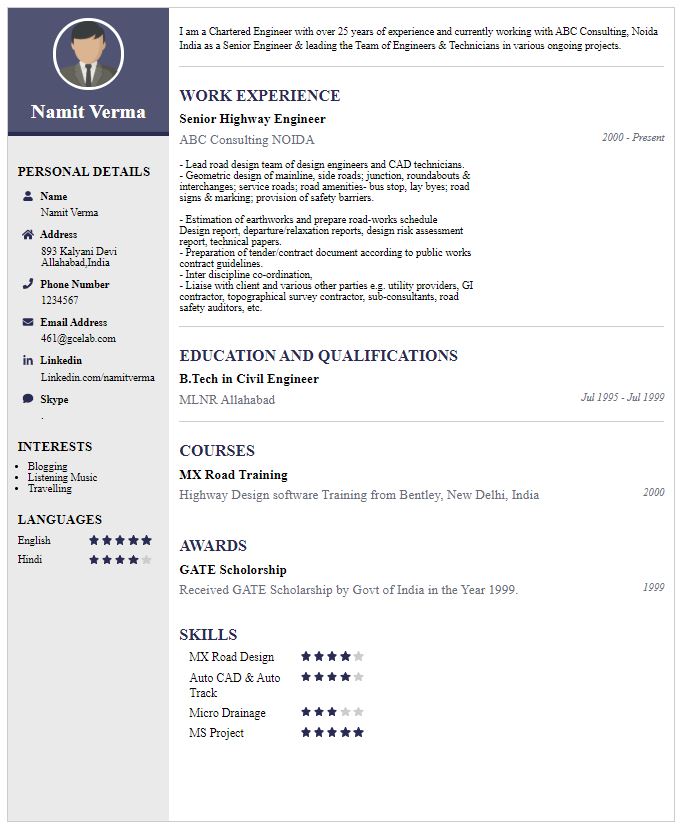
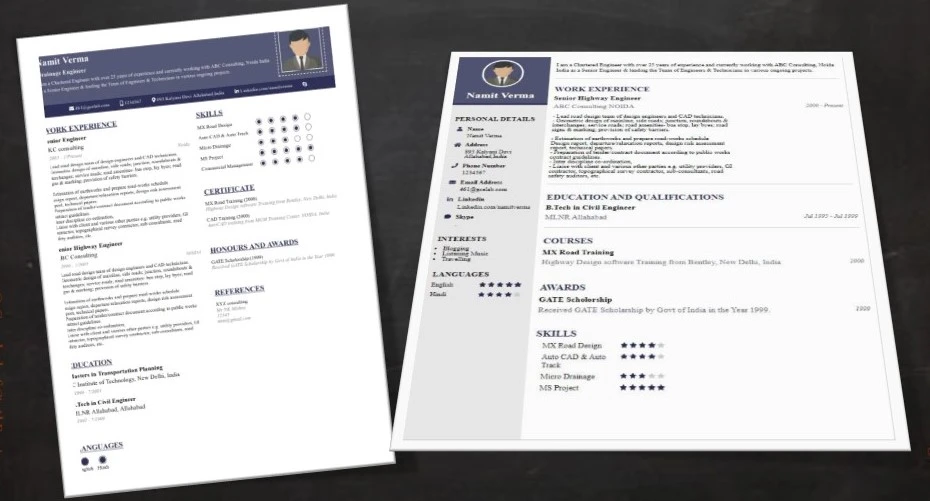
We build your CV with professionally designed Resume Builder Application. Our Resume Builder is not just another resume creation tool; it is the finest tool to present your career graph.







Our mission is to provide professionally trained Civil Engineers for all type of civil engineering services....
Copyright © 2026 Gurukul of Civil Engineers | All Right Reserved | Design & Developed By Ntier Infotech India.